Tutorial · Variables
Variables: store and reuse values in a Flow
Variables let a Flow hold data without a form field, so a value entered or computed once can be reused across tasks, logic, and messages instead of being retyped.
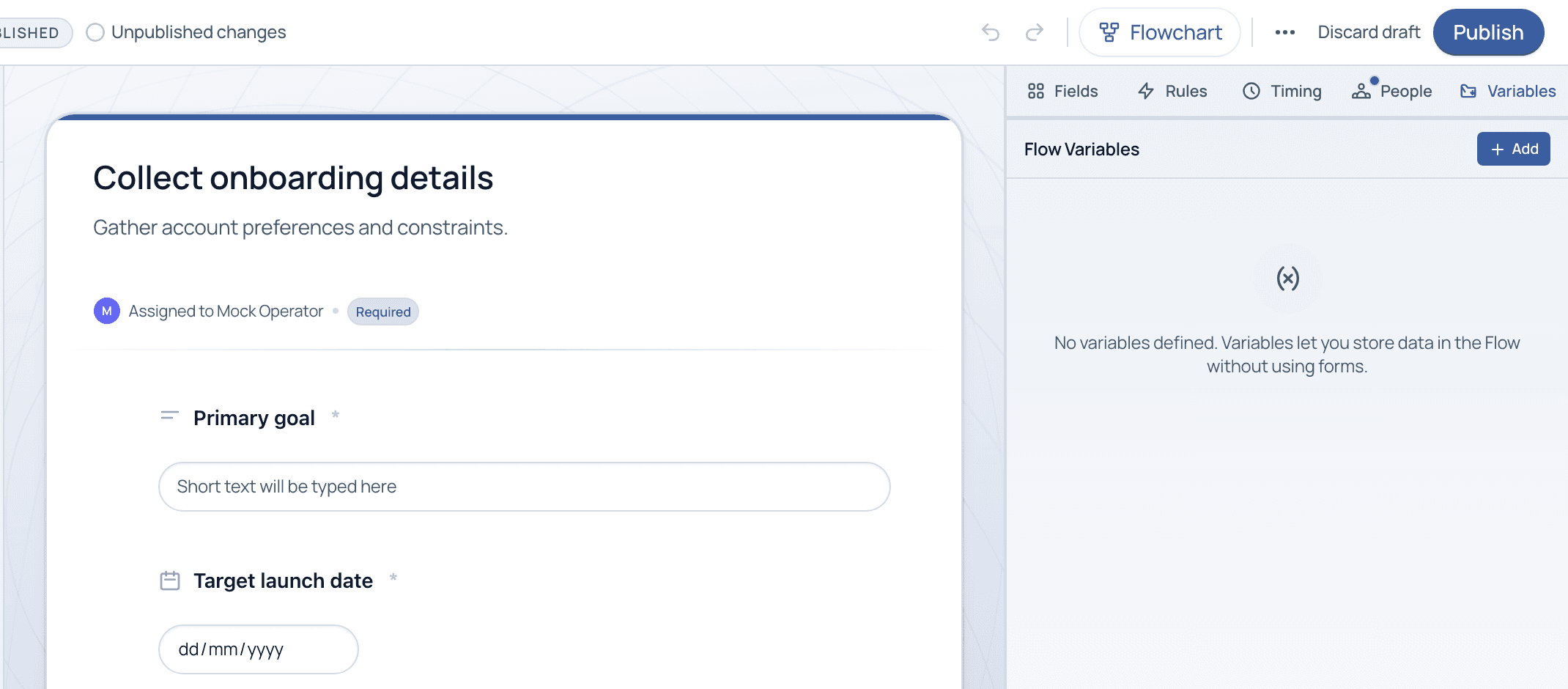
The Variables tab
The Variables tab lists the Flow's variables and lets you add more. A variable stores a value in the Flow without using a form field, useful for constants, computed values, or data you want to reference in several places.
Where variables help
No. Many Flows work entirely with fields. Reach for variables when the same value needs to appear in several places, or when you want data the respondent should not see or edit.
Values Cadenio provides automatically for every run, like the run's public ID, owner, or the current date, so you can reference run context without capturing it manually.
We will show where variables save re-entry in your process on a guided demo.