Variables let a Flow hold data without a form field, so a value entered or computed once can be reused across tasks, logic, and messages instead of being retyped.
4 min read · Advanced builders
The Variables tab
Data the Flow carries for you
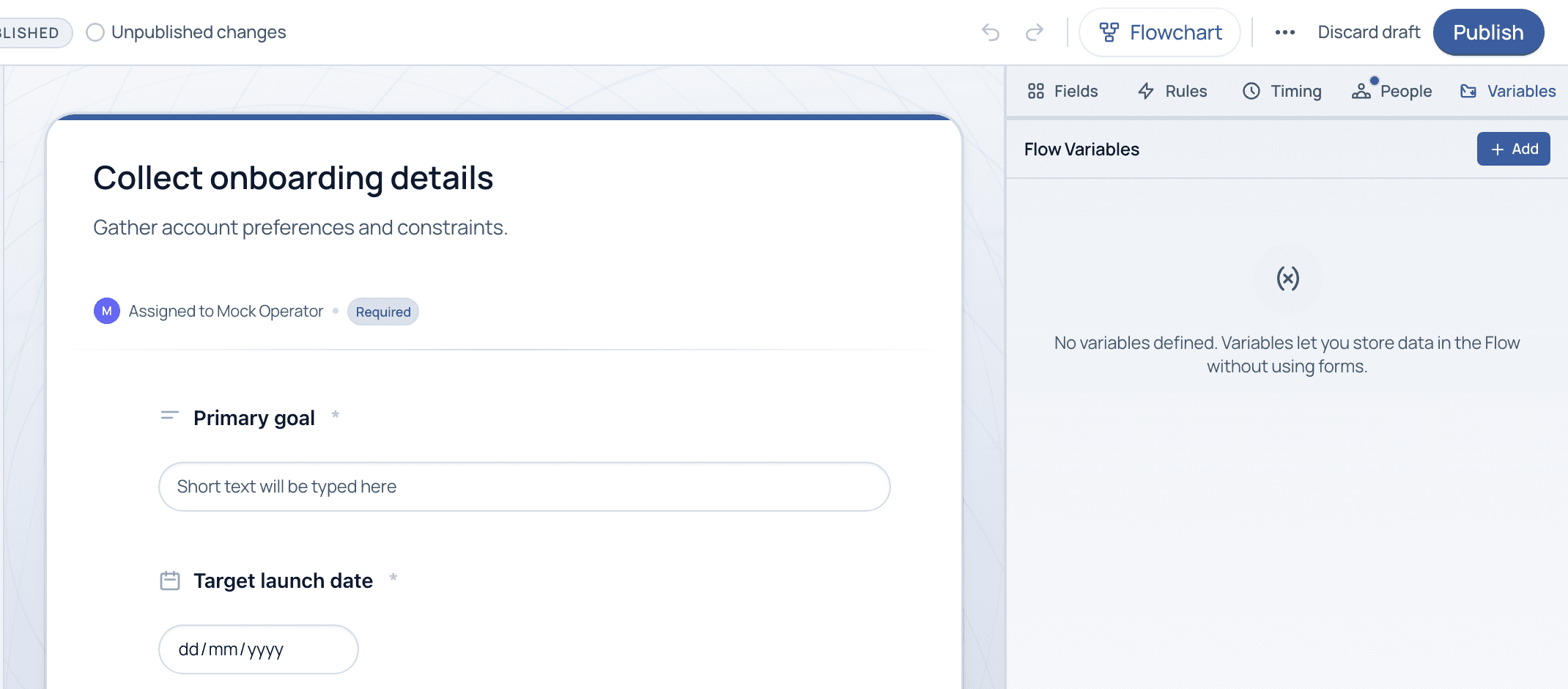
The Variables tab lists the Flow's variables and lets you add more. A variable stores a value in the Flow without using a form field, useful for constants, computed values, or data you want to reference in several places.
The Variables tab. Store values in the Flow and reuse them without adding a form field.
Fields vs. variables
Field
Data a person types into a task. Visible on the form and captured per run.
Variable
Data the Flow holds behind the scenes. Not a form input; set once and referenced wherever you need it.
System variables
Built-in values every run carries automatically, such as the run's public ID, its owner, or today's date.
Where variables help
Common uses
Avoid re-entry: Capture a value once and reference it in later tasks instead of asking for it again.
Feed messages: Insert a variable into notifications or generated documents so they are personalized per run.
Drive logic: Use a variable's value in a Smart Logic condition, just like a field answer.
Common questions
Do I always need variables?
No. Many Flows work entirely with fields. Reach for variables when the same value needs to appear in several places, or when you want data the respondent should not see or edit.
What are system variables?
Values Cadenio provides automatically for every run, like the run's public ID, owner, or the current date, so you can reference run context without capturing it manually.
Model your data the smart way
We will show where variables save re-entry in your process on a guided demo.